
Safely Connect TradingView Webhooks to Orders
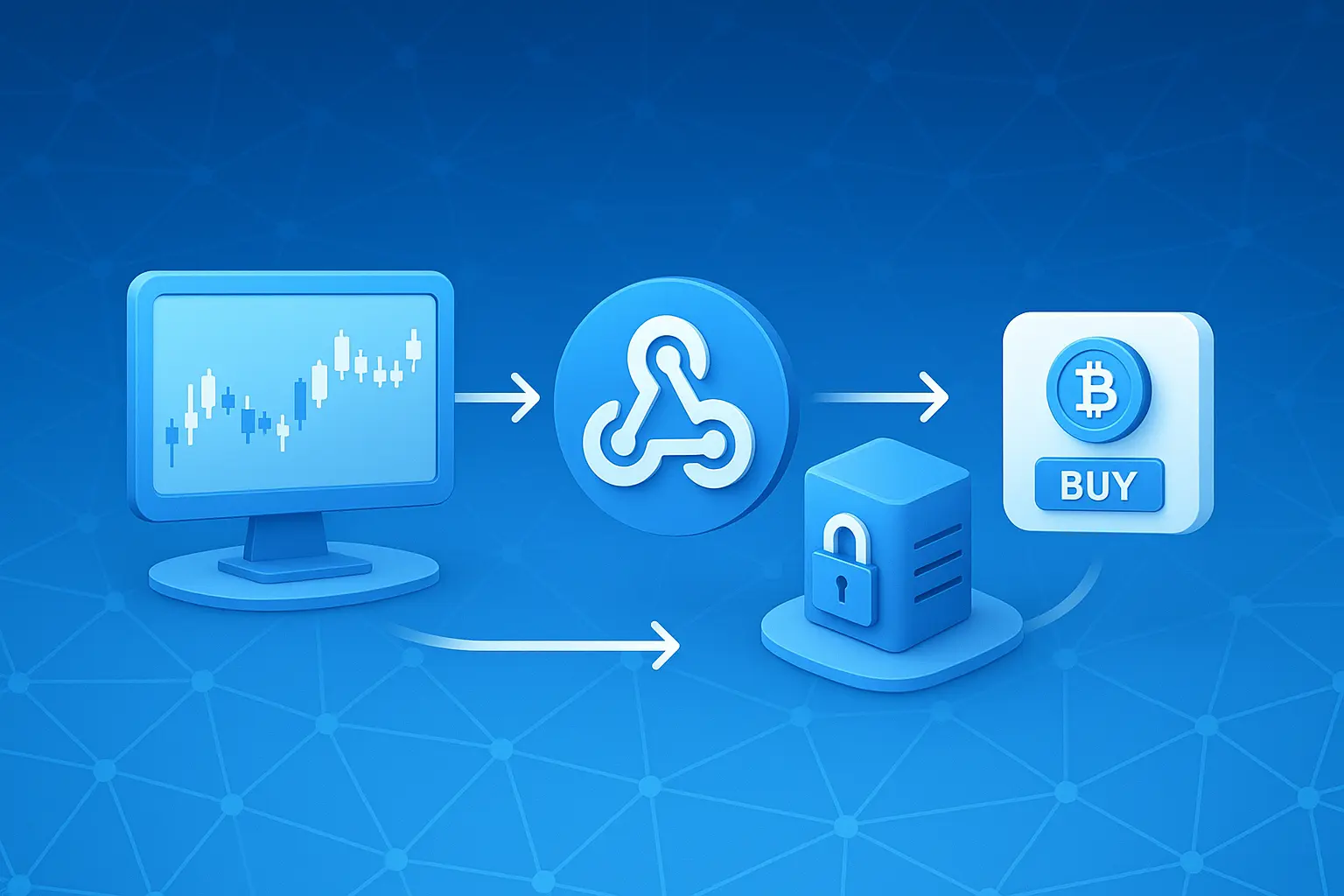
AlertWays acts as a bridge connecting TradingView alerts to exchange orders.Without complex coding, just copy the Webhook URL and JSON provided by Signal Bot and paste into TradingView to complete the auto-trading environment.
1 Check Fixed Webhook URL
AlertWays provides a fixed URL common to all accounts. In TradingView Alert settings, Webhook URL enter the address below in the field.
https://alertways.com/api/v1/webhooks/tradingview※ User identification is handled by the JSON token in the message body, so never change the URL.
2 Connect Exchange API Key
Register the API key issued by the exchange to AlertWays. Supported exchanges are Binance, OKX, Bybit, Bitget, BingX futures markets.
- Security Settings: Withdrawal permissions must be disabled, and Trading Permissionsonly enable.
- IP Whitelist:
43.202.226.64Registration Recommended - When using OKX and Bitget, the generated api passphraseset on the exchange to be entered together.
3 Copy Signal Bot JSON
Paste the JSON message generated in the Signal Bot dashboard into TradingView Message field exactly.
{
  "exchange": "binance",
  "market": "futures",
  "mode": "live",
  "ticker": "{{ticker}}",
  "token": "Unique token copied from Signal Bot"
}
4 Test Order and Verification
Once setup is complete, before live deployment, Paper Tradingit is essential to verify operation with.
- After TradingView alert occurs, Order History Dashboardcheck execution status in real-time at.
- If the order fails, re-check permissions for Webhook URL, JSON token, and API key.
"All settings complete. Now automatically connect TradingView's powerful signals to exchange orders."